This article guides you through the process of connecting Youtube Analytics to Peaka, allowing you to seamlessly access your Youtube Analytics data within the Peaka platform.
Prerequisites
Before you start, you will need the following information from Youtube Analytics.
- Client ID (required for advanced authentication)
- Client Secret (required for advanced authentication)
Follow the steps below to obtain it:
- To obtain the Client ID and Client Secret, refer to this article.
Connecting Youtube Analytics to Peaka
Now that you have obtained the necessary integration data and credentials, you can connect Youtube Analytics to Peaka using the following steps:
-
Navigate to the data model page in Peaka.
-
In the side menu bar, click the "New Data Source" button to initiate the connection process.
-
In the modal that appears, select "Youtube Analytics" as your data source.
-
Enter a name for your data source and paste values that you got before.
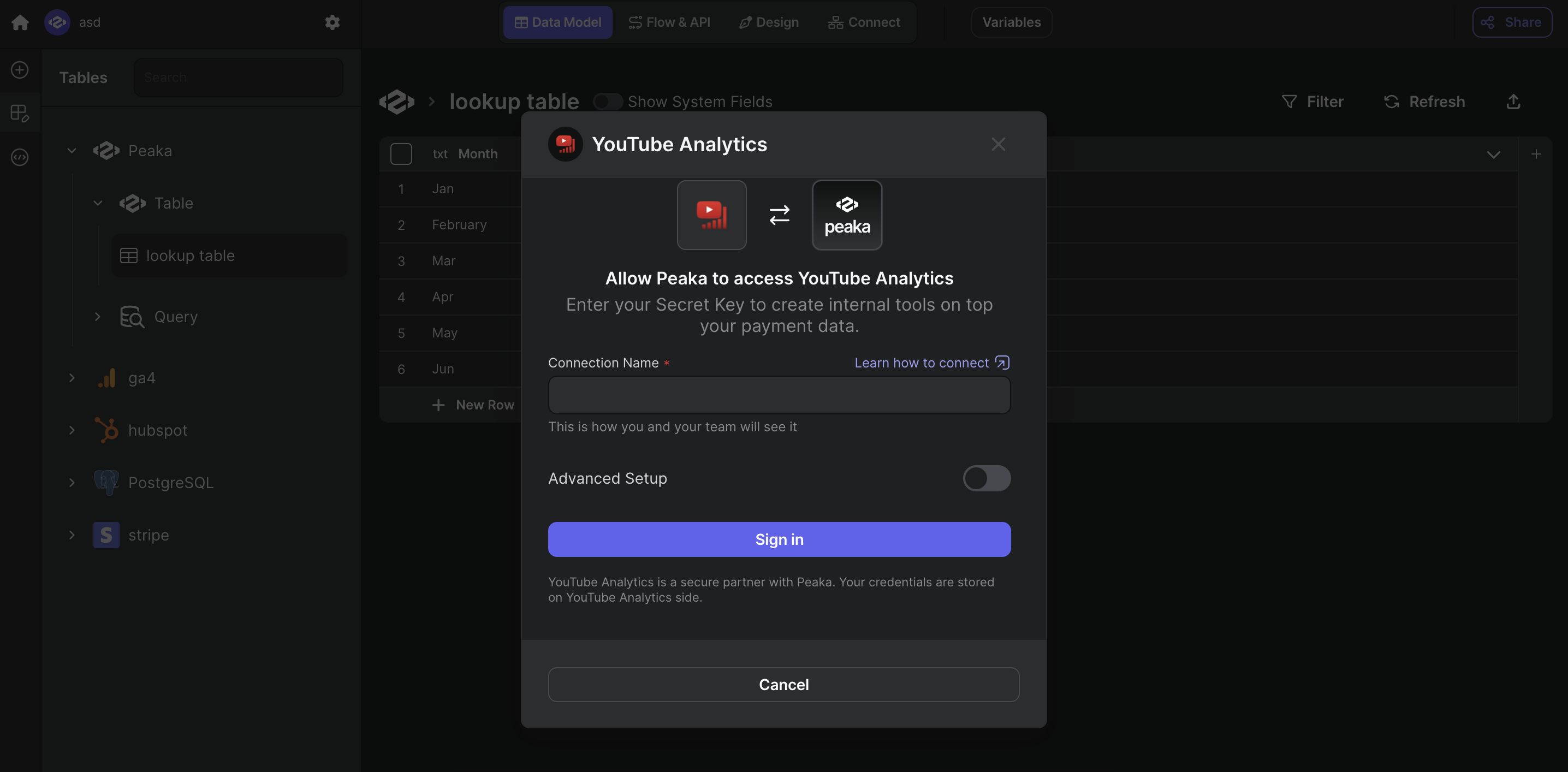
- Click "Sign in" to create your Youtube Analytics data source and allow the connection to access your Youtube Analytics data.
Congratulations! You've successfully connected Youtube Analytics to Peaka. You can now access and manage your Youtube Analytics data seamlessly within the Peaka platform.