1. Navigate to the Settings Page
Users can generate API Keys on the settings page. Follow these steps:
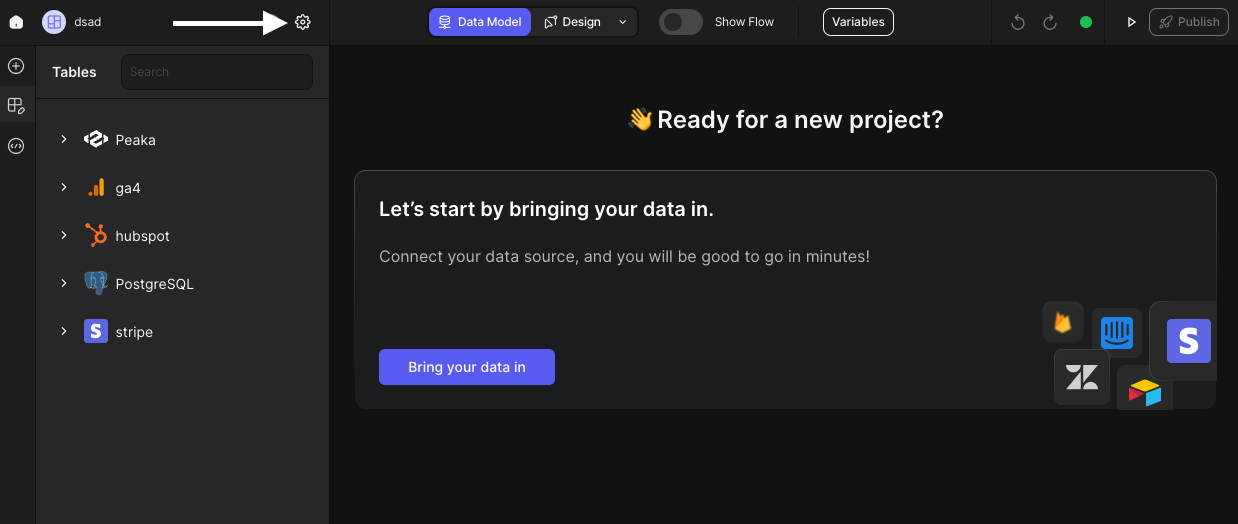
- Click on the icon as shown in the image below:
2. Select API Keys Tab
Once on the settings page:
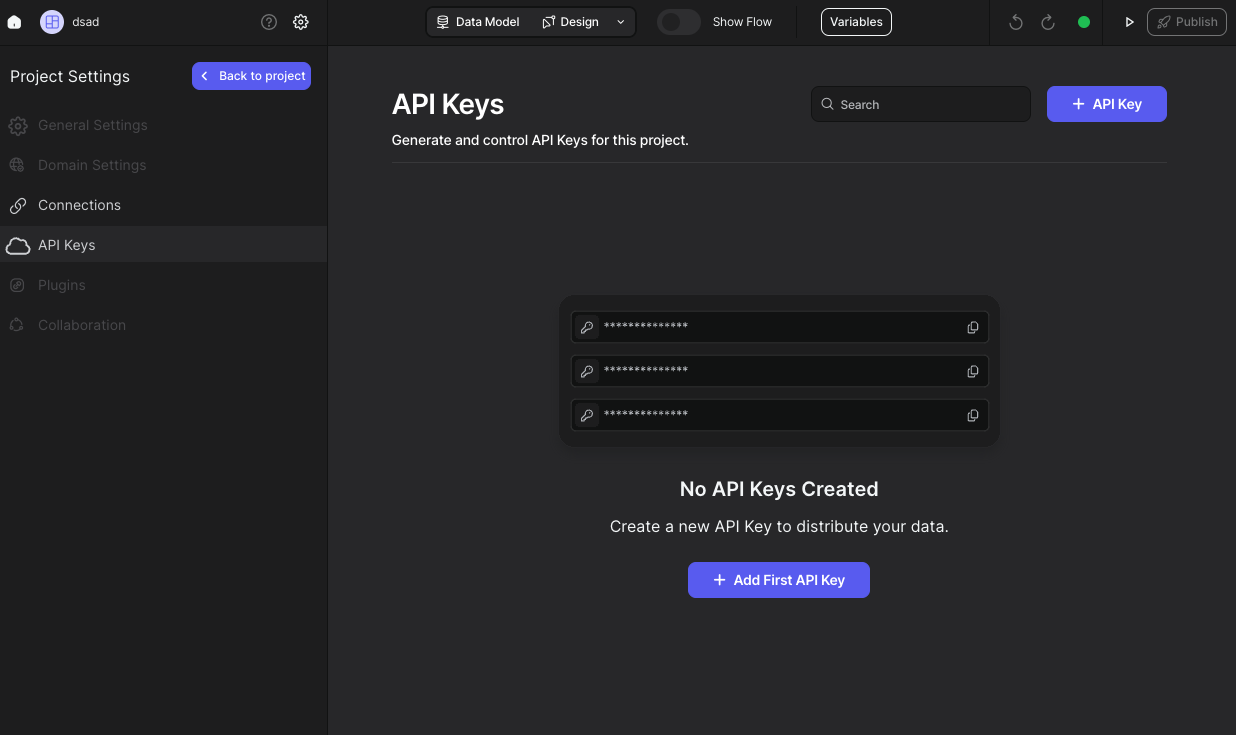
- Navigate to the API Keys tab from the sidebar.
3. Generate Your API Key
To generate your first API Key:
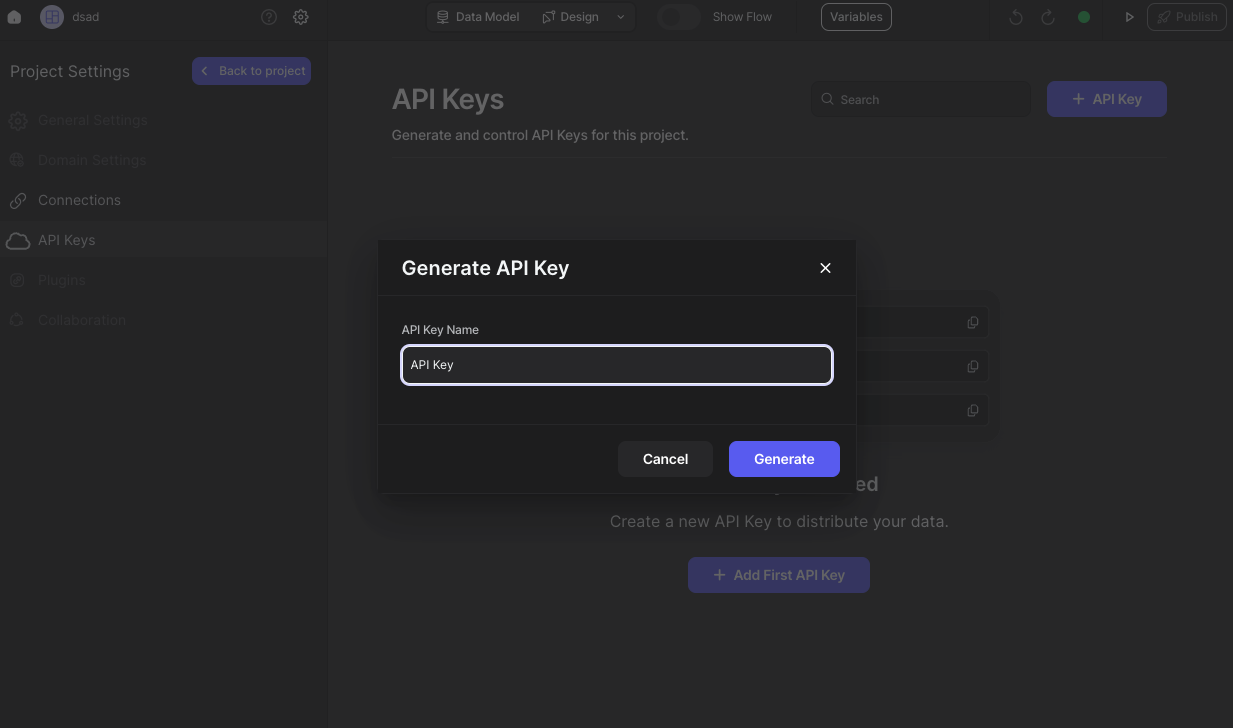
- Click either the "Add First API Key" button or the "API Key" button. This will open a modal.
- Enter your API Key name.
- Click on the "Generate" button.
4. Copy and Use Your API Key
Your API Key is now created. Simply:
- Copy the generated API Key.
- Use it wherever you need.
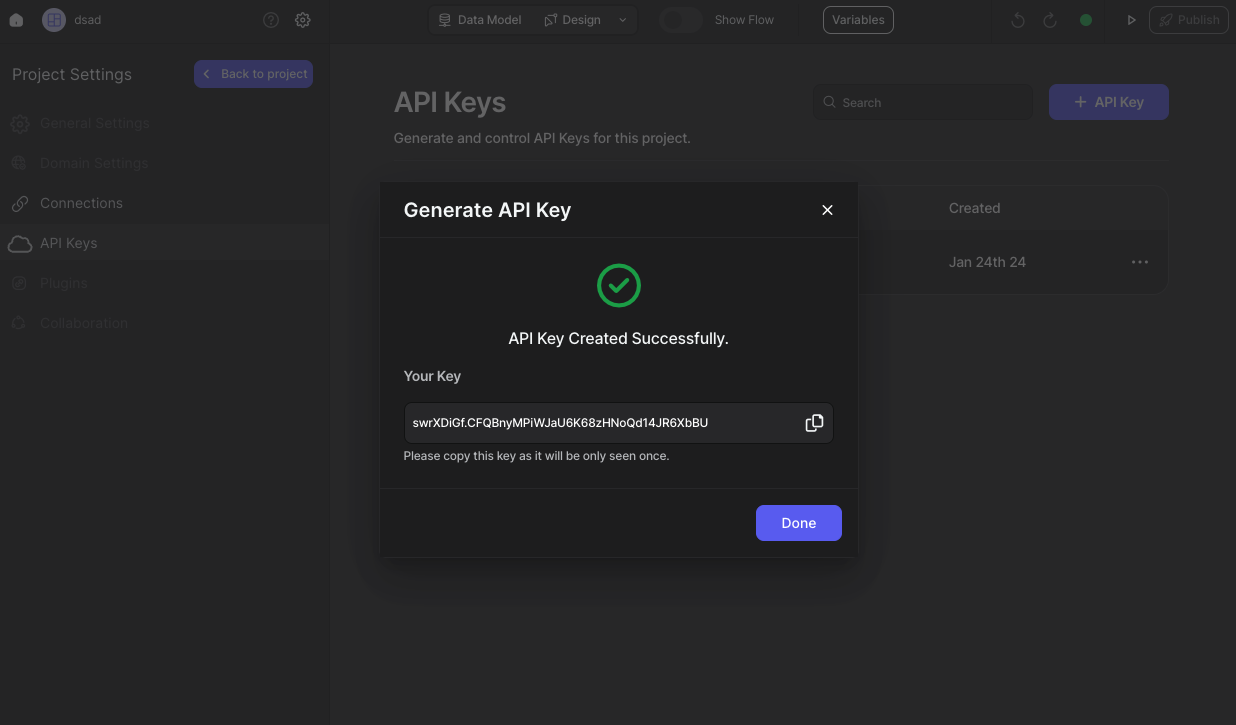
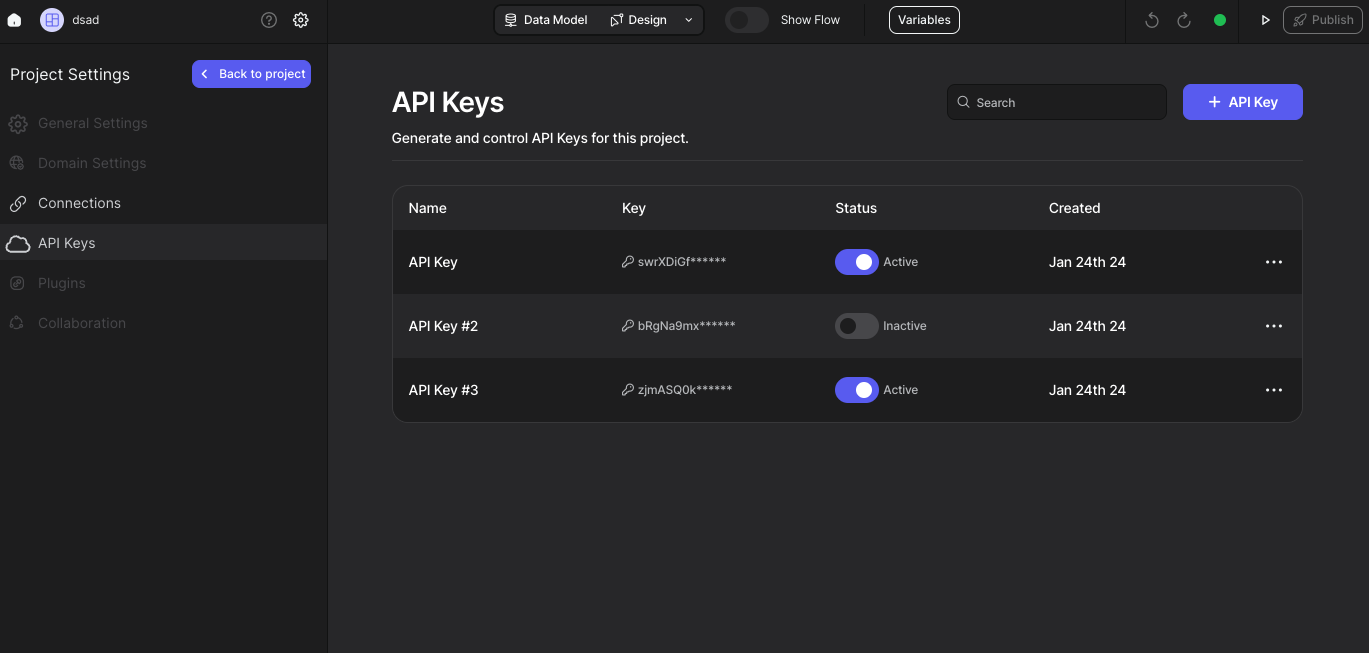
That's it. You can see your API Keys and edit them.